 Bridge AI
iPhone and Android
Bridge AI on your phone
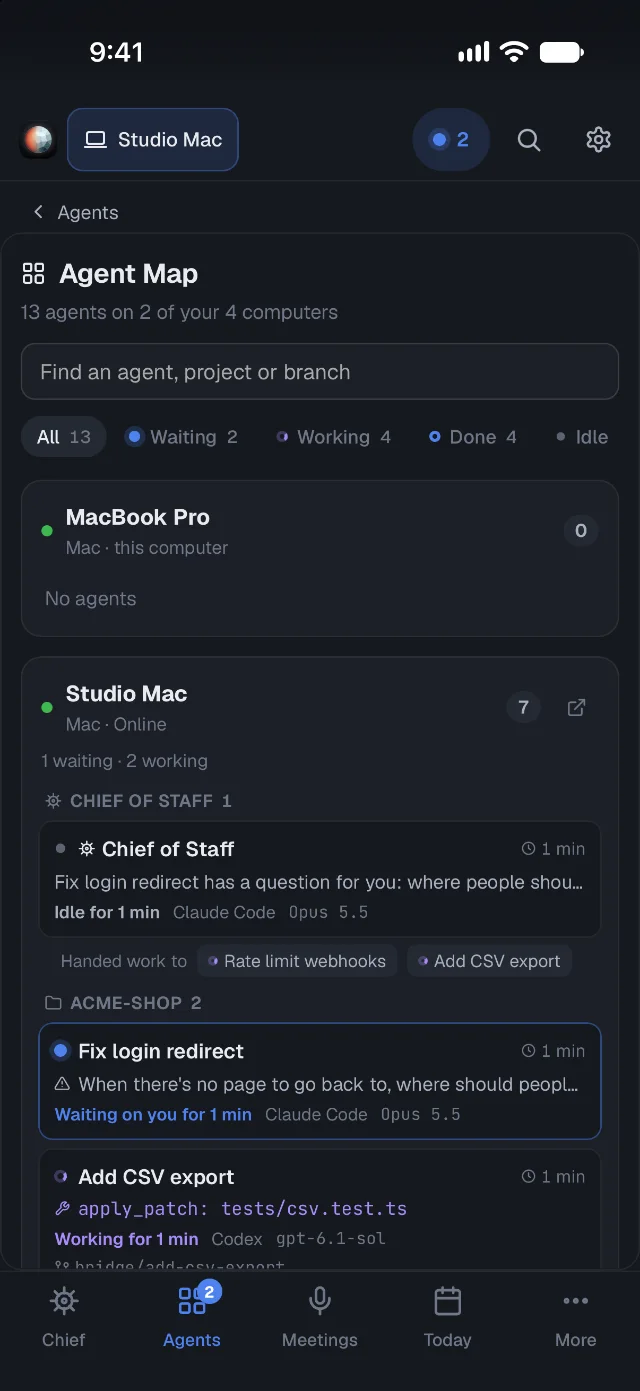
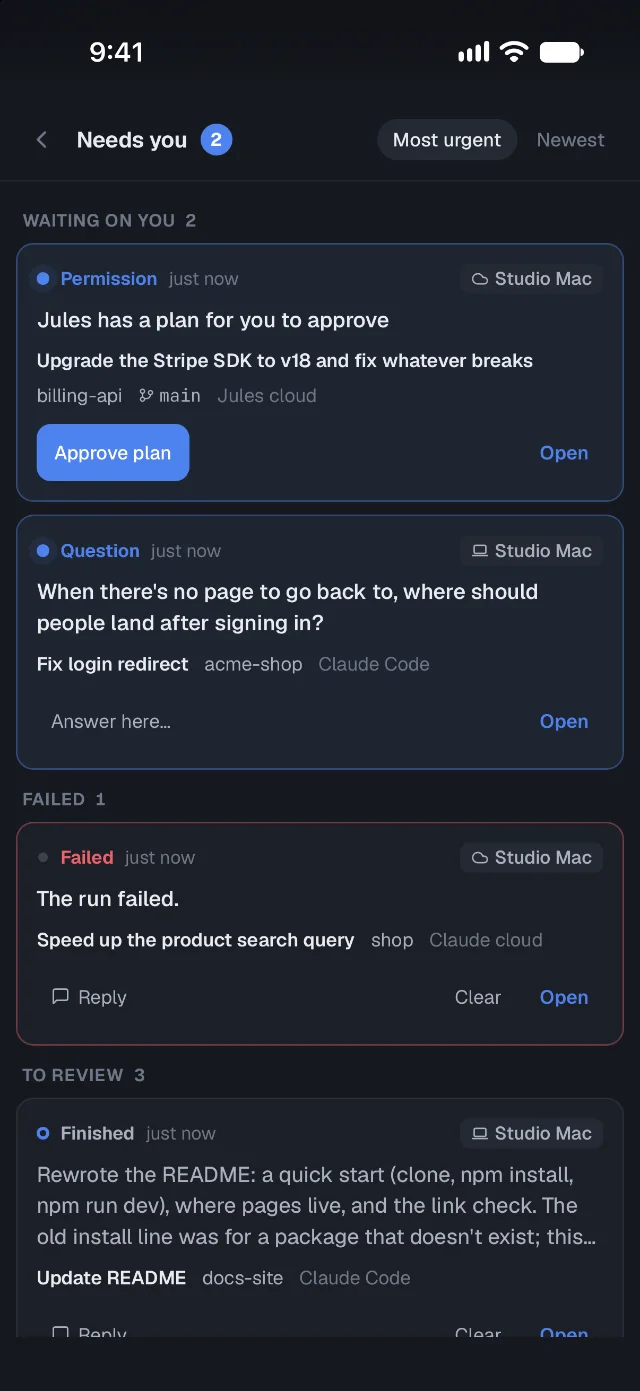
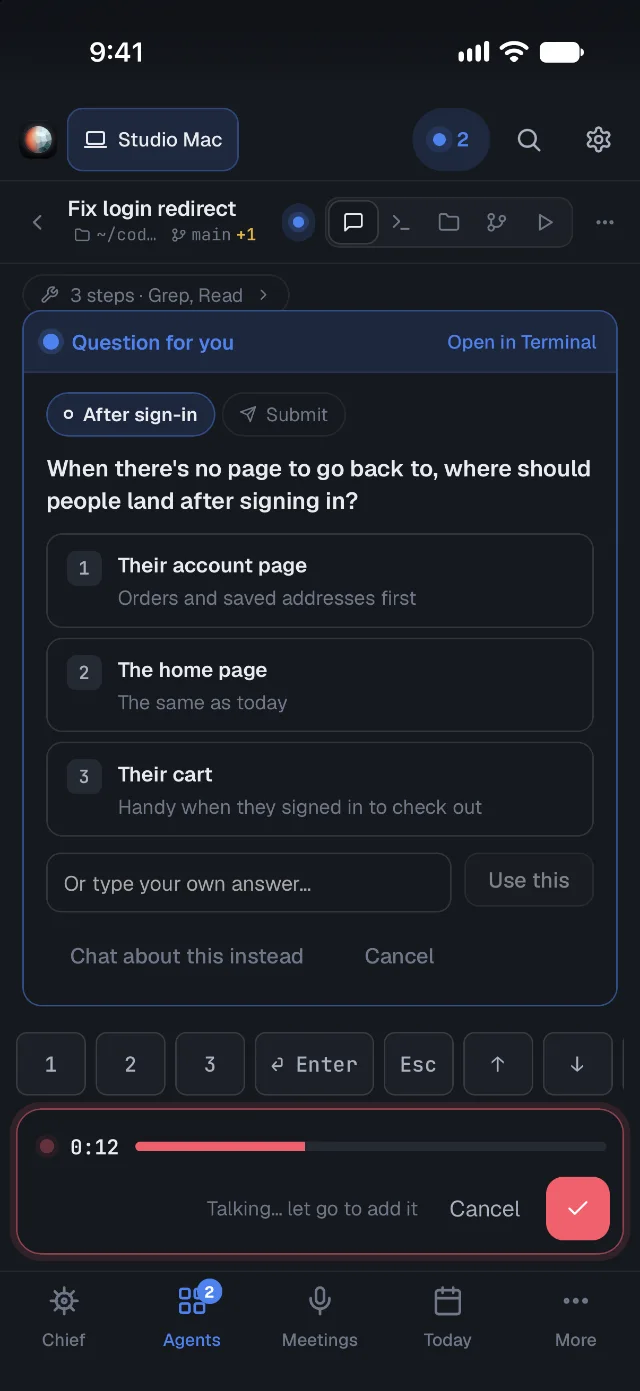
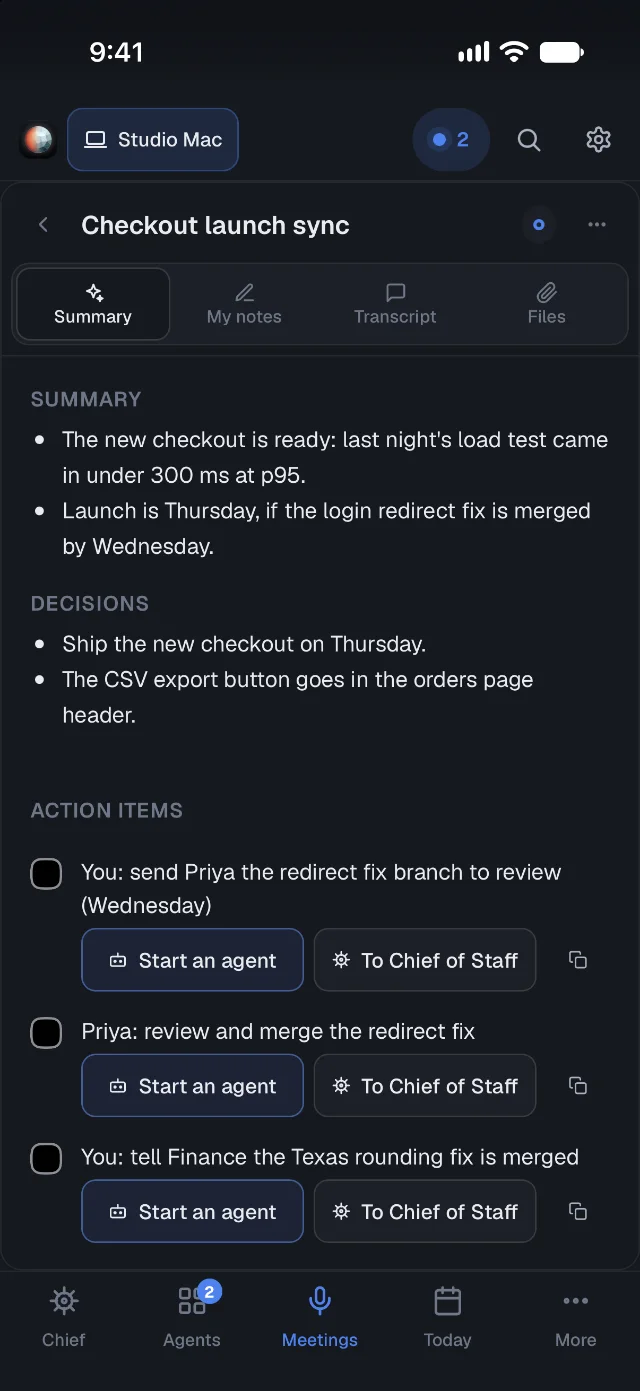
See the agents on every computer you link, answer their questions, approve their plans, and read your meeting notes. The phone connects through a relay on your own free Cloudflare account, or through Tailscale, and everything is end-to-end encrypted.
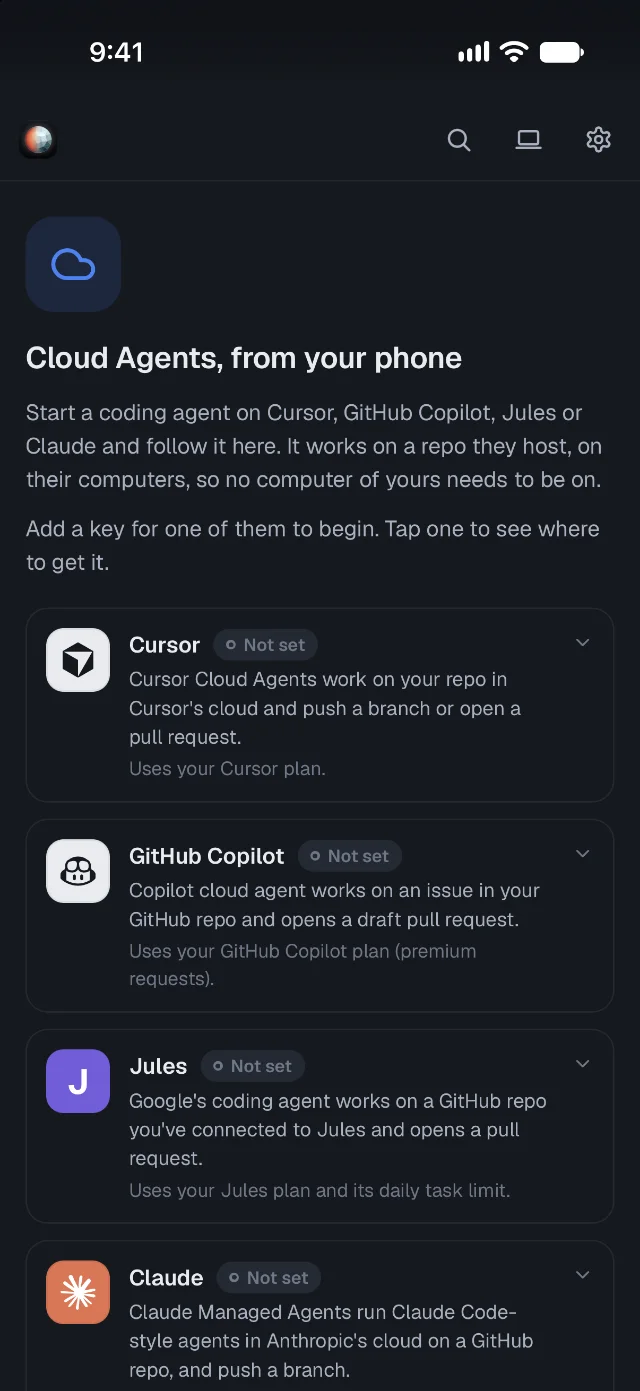
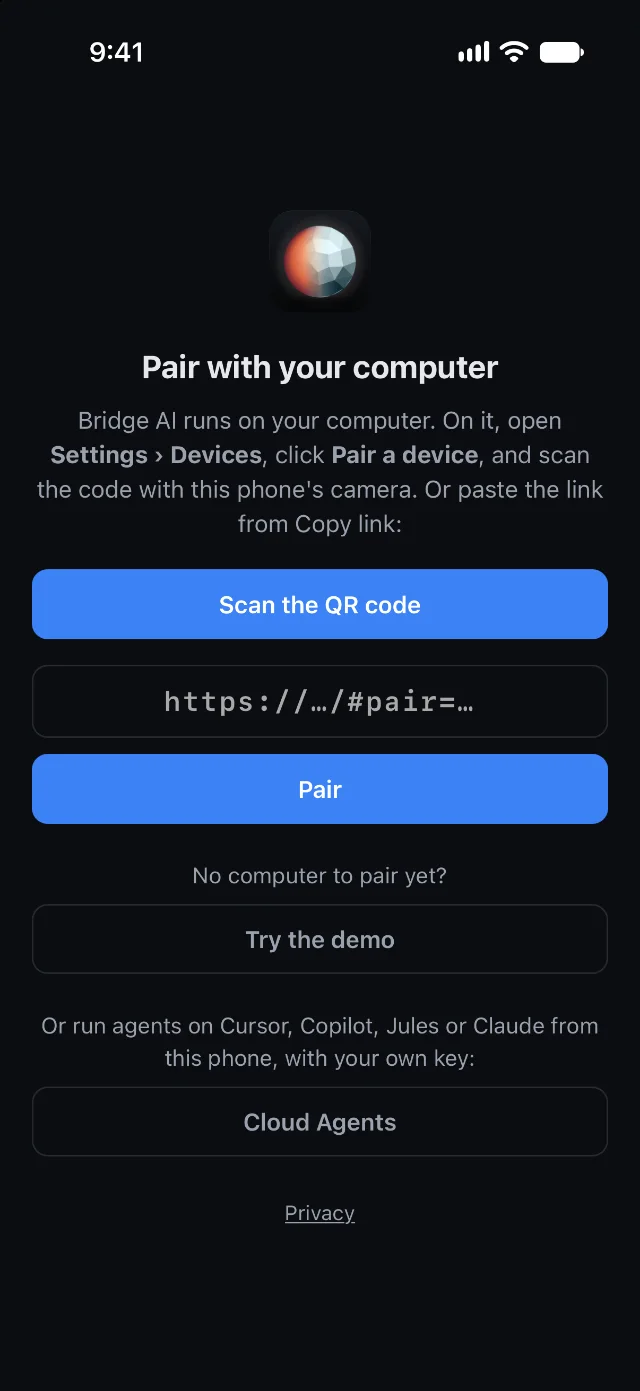
It pairs with Bridge AI on your computer (download it). Without one, you can open the demo or use Cloud Agents.
What you can do from your phone
Privacy
- Everything between your phone and your computer is end-to-end encrypted. Each phone has its own key, and each connection uses new ones
- The relay runs on your own Cloudflare account. It can see when and how much data passes, but not what it is
- Or use Tailscale, and only devices on your tailnet can reach it
- The phone apps send no usage stats
Set it up
- On your computer, open Settings › Devices › Sign in with Cloudflare. Bridge AI sets up the relay on your free account.
- Pair a device, and scan the QR code with your phone.
- Turn on notifications on the phone, to hear when an agent needs you or finishes.
You can also skip the app store and add the same app to your phone's Home Screen. More details
Questions
Do I need a computer?
To work with your own agents, yes. The phone app pairs with Bridge AI on your Mac, Windows PC or Linux machine, which needs to be on with Bridge AI running. Without a computer, you can open the demo or use Cloud Agents from Cursor, Copilot, Jules and Claude with your own keys.
Is it private?
Everything between the phone and your computer is end-to-end encrypted. Each paired phone has its own key, stored on the phone, and each connection uses new keys. The relay runs on your own Cloudflare account and only sees when and how much data passes. The phone apps send no usage stats.
Does the relay cost anything?
No. It runs on Cloudflare's free plan, on your own account. Bridge AI sets it up when you click Sign in with Cloudflare in Settings › Devices. You can use Tailscale instead.
When is the iPhone app out?
It's with Apple for review. Until then, after pairing, open the relay's address on your iPhone and add Bridge AI to your Home Screen (Share › Add to Home Screen). It's the same app, with notifications.
Why isn't the Android app on Google Play?
It isn't there yet. Download the APK, allow installs from your browser or Files when Android asks, and install it. To update, install a newer APK over it, and your computers stay paired. Its SHA-256 checksum is in each release's checksums file.
Start on your computer
The phone app pairs with Bridge AI on your Mac, Windows PC or Linux machine.